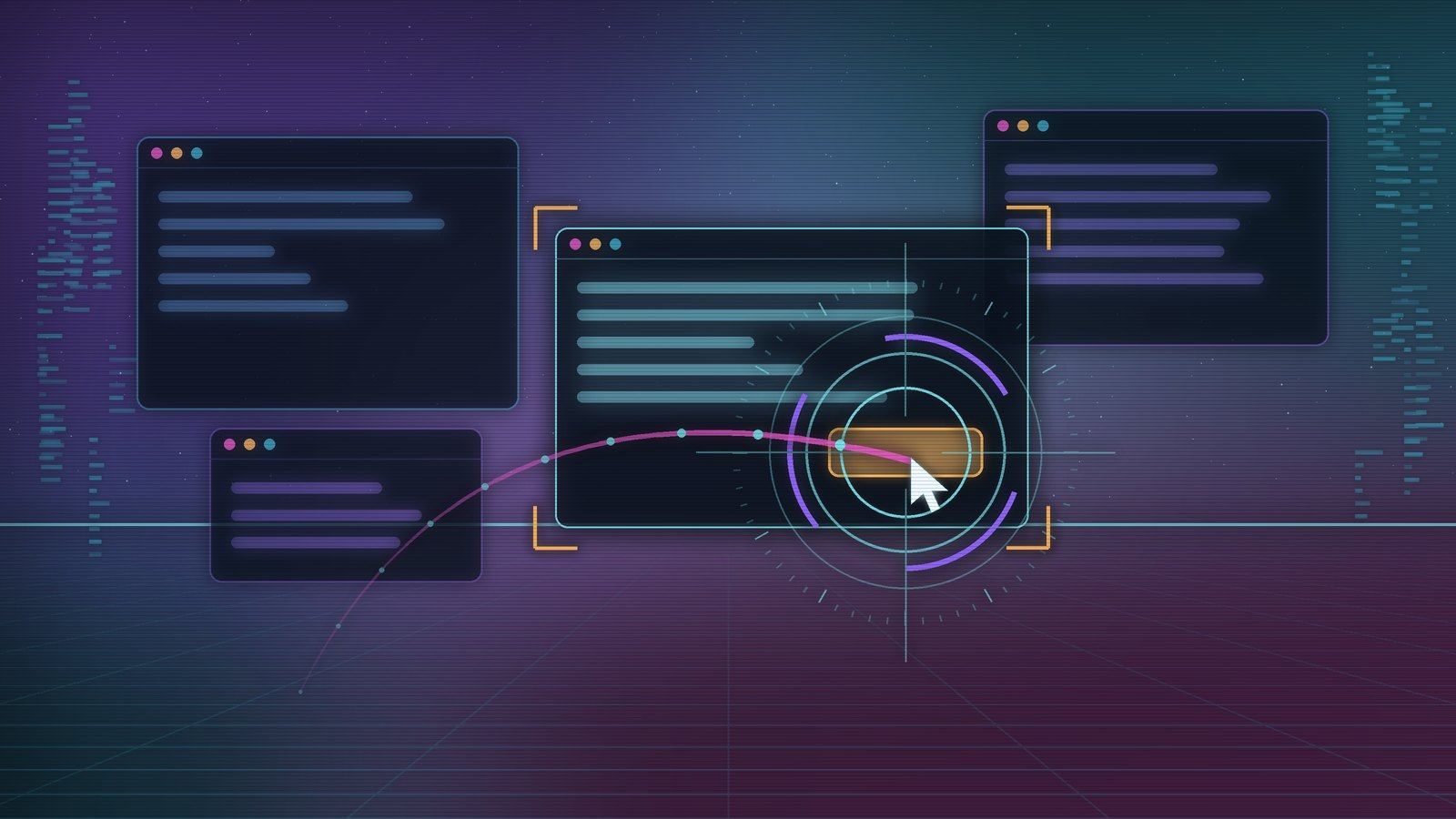
Optimus is the part of Mercury that uses your computer. It looks at the screen, moves the pointer, clicks, types and opens apps, the way you would. You can ask for something in chat, or hold a key and say it out loud. It runs on macOS, Windows and Linux, and it ships as a plugin, so nobody gets it unless they install it.
This post is about how it works underneath: the processes involved, how a screenshot becomes a click, why it says "sent" instead of "done", how voice reaches Mercury, and what stops it when you want it stopped. The current version is Optimus 0.4.8.
Mercury is the brain, Optimus is the hands
Mercury does the thinking. It holds the conversation, picks the model, decides the next step and asks you for permission. Optimus has no model of its own for deciding what to do. It is a tool provider: it gives Mercury eyes on the screen and hands on the mouse and keyboard, and it reports back what happened.
That split comes from the plugin rules we set in ADR-025 for Mercury 1.4. Features that only some people want ship as plugins, and a broken plugin must never take Mercury down. Optimus is one Rust binary, mercury-optimus. Mercury starts it as a child process and talks to it over MCP: JSON-RPC 2.0, one message per line, on stdin and stdout. Logs go to stderr so they can never corrupt the protocol.
Mercury supervises it like any other out-of-process plugin:
- Every request has a timeout, and a hung plugin is killed and restarted.
- Crashes restart it with backoff from 1 second up to 60.
- More than five crashes in ten minutes turns the plugin off, with a message saying why.
- The child gets a minimal environment plus only the secrets its manifest declared.
Install it from any chat:
/plugins install optimus
The catalog entry pins each platform build to a SHA-256 checksum. If the download doesn't match, Mercury says "Checksum mismatch" and installs nothing. Builds exist for macOS on Apple silicon and Intel, Windows x64, and Linux x64 and arm64.
Seven tools
Mercury shows the model seven tools, namespaced as optimus__look, optimus__act and so on:
| Tool | What it does |
|---|---|
look | Takes a screenshot of one display, or zooms into part of the last one |
act | Runs up to 60 mouse and keyboard actions in a row, then looks again |
act_consequential | The same as act, for steps that commit something: send, buy, delete, submit |
open | Opens an app, a URL or a file |
windows | Lists up to 30 visible windows, front first |
permissions | Checks or requests the OS permissions Optimus needs |
listen | Starts a voice session |
An action is one of click, double_click, triple_click, right_click, middle_click, move, drag, draw, mouse_down, mouse_up, type, paste, key, scroll or wait.
There is no accessibility-tree tool and no OCR. Optimus works from pixels, like a person looking at the screen. That keeps it the same on every OS and in every app, including the ones with poor accessibility support.
How it sees
look captures the display and fits the image into 1280×800, which is the size computer-use models are trained on. It is resized and sent as a JPEG at quality 80. A 2880×1800 Retina screen becomes 1280×800, and a 4K screen becomes 1280×720.
The model never deals with Retina scaling or monitor layout. It clicks in the pixels of the screenshot it was given, and Optimus maps those back to real screen coordinates:
let sx = self.x as f64 + px * self.w as f64 / self.img_w as f64;
let sy = self.y as f64 + py * self.h as f64 / self.img_h as f64;
Ok((sx.round() as i32, sy.round() as i32))
self.x and self.y are the monitor's origin, so a second display to the left, at x = -1920, works without the model knowing it exists. A coordinate outside the screenshot is an error rather than a guess. On Windows the process declares itself per-monitor DPI aware, so it sees real pixels everywhere.
By default look captures the display under the pointer. When text is too small to read, the model can ask for a zoom: Optimus crops the full-resolution capture and fits that region into the same box, but coordinates still refer to the full screenshot. Each look also reports the display number, the mouse position and the active window and its title.
On the Mercury side, images go only into what the model receives for that step. Logs, chat history and the learning engine never carry the base64. If the model can't take images, Mercury drops the picture and tells the model so, instead of failing.
How it acts
Most input goes through the enigo crate. Optimus adds the parts that make it behave like a person and land reliably.
The pointer glides. It follows a curve with a small random bow of 4 to 12 percent of the distance, eased in and out, and pauses briefly after arriving. In the default Natural pace a move takes 200 to 750 ms depending on distance. Fast pace cuts that to 70 to 220 ms.
Typing is key by key. Natural pace waits 28 to 85 ms per key, a little longer after spaces and punctuation, and occasionally pauses as if thinking. One type action holds up to 3,000 characters. paste is there for long text: it saves your clipboard, pastes, and puts your clipboard back.
Scrolling uses each OS's own API.
- macOS: pixel-precise
CGEventscroll events, spread over eased steps. - Windows:
SendInputwith wheel events in small increments. - Linux: whole notches, which is what X11 offers.
open forgives app names. On macOS, "Chrome" finds "Google Chrome". If nothing matches, the reply lists the installed apps so the model can try again. Windows uses start; Linux uses xdg-open for files and URLs and gtk-launch for apps.
Sent is not done
An early build taught us something uncomfortable. Its logs showed 29 act calls rejected because the model sent its steps in a shape Optimus couldn't read. Nothing happened on screen, and Mercury reported success anyway. A model that is told "your call went through" tends to believe the job is done.
So every act reply now says exactly what it can vouch for:
// "Sent", not "done": an input reaching the screen doesn't mean it had the intended effect.
let mut text = if done.is_empty() { "Nothing was sent.".to_string() } else { format!("Sent: {}.", done.join("; ")) };
if let Some(s) = &stopped {
    text = format!("FAILED: {s} {text}");
}
text.push_str(" This only means the input was sent: check the screenshot below to see whether it actually worked before saying so.");
After the actions run, Optimus waits half a second for the screen to settle, takes a fresh screenshot and attaches it. Mercury's desktop guidance tells the model to look after each step, check it worked, and never claim it is finished without a fresh look. Actions in a batch run in order and stop at the first failure.
The action parser is deliberately lenient. Models send actions as JSON strings, double-encoded JSON, single-quoted pseudo-JSON, inside code fences, or as numbered objects. Optimus accepts all of them, because rejecting a well-meant call is how the 29 failures happened.
Talking to it
Optimus can also be driven by voice. Press the talk key, ctrl+alt+m by default, and speak. A plain letter can't be the talk key, because it would fire while you type.
The key is caught differently on each OS:
- macOS: an event tap that swallows the key, so it never reaches the app you're in.
- Windows:
RegisterHotKey. - Linux: an X11 key grab, registered with and without CapsLock and NumLock.
There are two ways to run a voice session:
- Speech to speech. A realtime voice model listens and talks: OpenAI Realtime by default, or Azure, Grok, ElevenLabs, Qwen-Omni or Gemini Live.
- Your own Mercury model. Speech-to-text with Deepgram, AssemblyAI, ElevenLabs or Sarvam, then your Mercury model, then text-to-speech with Cartesia, ElevenLabs, MiniMax, Sarvam or Deepgram.
Either way, the voice model doesn't control the computer itself. It has three tools: ask_mercury, answer_approval and end_conversation. When you ask for something, it hands the request to Mercury, which runs a normal turn with the same tools and rules as chat. If that turn takes longer than 90 seconds, Mercury says it will send the answer to the chat instead of keeping you waiting on the line.
While Mercury works, Optimus speaks a short line for each step ("Opening Safari", "Typing") and plays a soft tick, quiet enough not to trigger its own microphone. With speakers, the mic is silenced while Mercury talks so it doesn't hear itself. With headphones you can turn on barge-in and interrupt by speaking. A session ends after 60 seconds of silence, or after 30 minutes.
The status row at the bottom of Mercury's terminal shows what Optimus is doing: "🎙 Optimus listening", "🖱 Optimus working" or "🔇 Optimus muted". When the row is short on space, that segment is the last one dropped.
Why macOS gets its own app
macOS charges Accessibility and Screen Recording permissions to the app that launched a process. If Mercury started Optimus from your terminal, the grant would go to Terminal and cover every script you ever run there. We didn't want that.
So on macOS the plugin builds Optimus.app from its own binary. It has no Dock icon, and it signs the app with a certificate created on your Mac, with no Apple account involved. It launches through LaunchServices, so the permissions belong to Optimus alone. The plugin and the app talk over a Unix socket, readable only by you.
Two details make this survive real use:
- Updates keep your permissions. macOS identifies a signed app by "this bundle id, signed by this certificate", not by the binary's hash. The certificate stays the same across updates, so you grant permissions once.
- Your keychain is never touched. Signing uses a throwaway keychain that exists only for the
codesigncall. The app is rebuilt only when the version or binary changes, or whencodesign --verifyfails.
LaunchServices starts the app with launchd's environment, not Mercury's. So the first message on the socket hands over the variables the app needs, such as API keys for voice. If the app quits, for example after you change a permission, the plugin relaunches it and retries once.
The safety rails
Optimus is off until you turn it on. Until then, every tool except permissions answers "Optimus is off". Install shows a warning before you confirm: "Controls this computer: it can see your screen, move the mouse and type, in any app."
Committing steps ask first. act_consequential is the one tool marked as not read-only, so in Ask Me mode Mercury asks before each send, purchase, delete or submit. In Allow All mode it doesn't ask. That is the point of Allow All, so choose it knowingly.
Voice approvals need your voice. When Mercury asks for approval during a voice session, a "yes" counts only if your own transcribed words contain one after the question. If the voice model claims you agreed and the transcript shows nothing, the answer is "Not approved".
You can always stop it.
- Say "stop", or press the talk key while it works. Every screen action halts at its next step, new ones are refused for 8 seconds, and Mercury cancels the task. The stop words include "cancel", "ruko" and "bas".
- Grab the mouse. If you move the pointer more than 12 pixels from where Optimus left it, it stops and hands control back. It checks between actions, during glides, and every 12 typed characters.
It shows when it's driving. A glowing ring follows the pointer with the label "Mercury · Optimus is driving". On macOS and Windows it is excluded from screen capture, so the model never sees it. On X11 it hides during capture.
Some things are instructions, not walls. The tool descriptions tell the model never to type passwords, card numbers or 2FA codes, and to decline games with anti-cheat. Those are rules Mercury follows, not technical blocks, and the docs say so.
Platform limits
| Platform | What works | What doesn't |
|---|---|---|
| macOS 12+ | Everything, after granting Accessibility and Screen Recording | macOS asks again for Screen Recording about once a month |
| Windows | Everything, nothing to grant | Windows running as administrator, such as Task Manager or installers |
| Linux X11 | Everything | Paste needs xclip |
| Linux Wayland | Screenshots, through the desktop's screen-sharing prompt | Input and the talk key reach only XWayland apps; no overlay |
The 0.4.8 release fixed a Linux crash at start, "error while loading shared libraries: libwayland-client.so.0", on machines without Wayland installed. Optimus now loads that library only when needed. A small launcher adds bundled copies of any system library the machine lacks, and system libraries win whenever they exist. It shipped as a plugin-only update, so nobody had to upgrade Mercury.
The Optimus docs cover setup, every setting and the voice providers. The source is in the Mercury repository under plugins/optimus:
Soul-driven AI agent with permission-hardened tools, token budgets, and multi-channel access. Runs 24/7 from CLI, Telegram or More.
